


































































































































































| Feature |
|

|
|---|---|---|
| Live Dashboard & Real-Time Analytics | ✓ | ✓ |
| Automatic Time Tracking | ✓ | ✓ |
| Online & Offline Tracking | ✓ | ✓ |
| User Activity Monitoring | ✓ | ✓ |
| App & Web Usage Tracking | ✓ | ✓ |
| Interactive Mode | ✓ | ✓ |
| Screen Capture | ✓ | ✓ |
| Idle Time Tracking & Reminders | ✓ | ✓ |
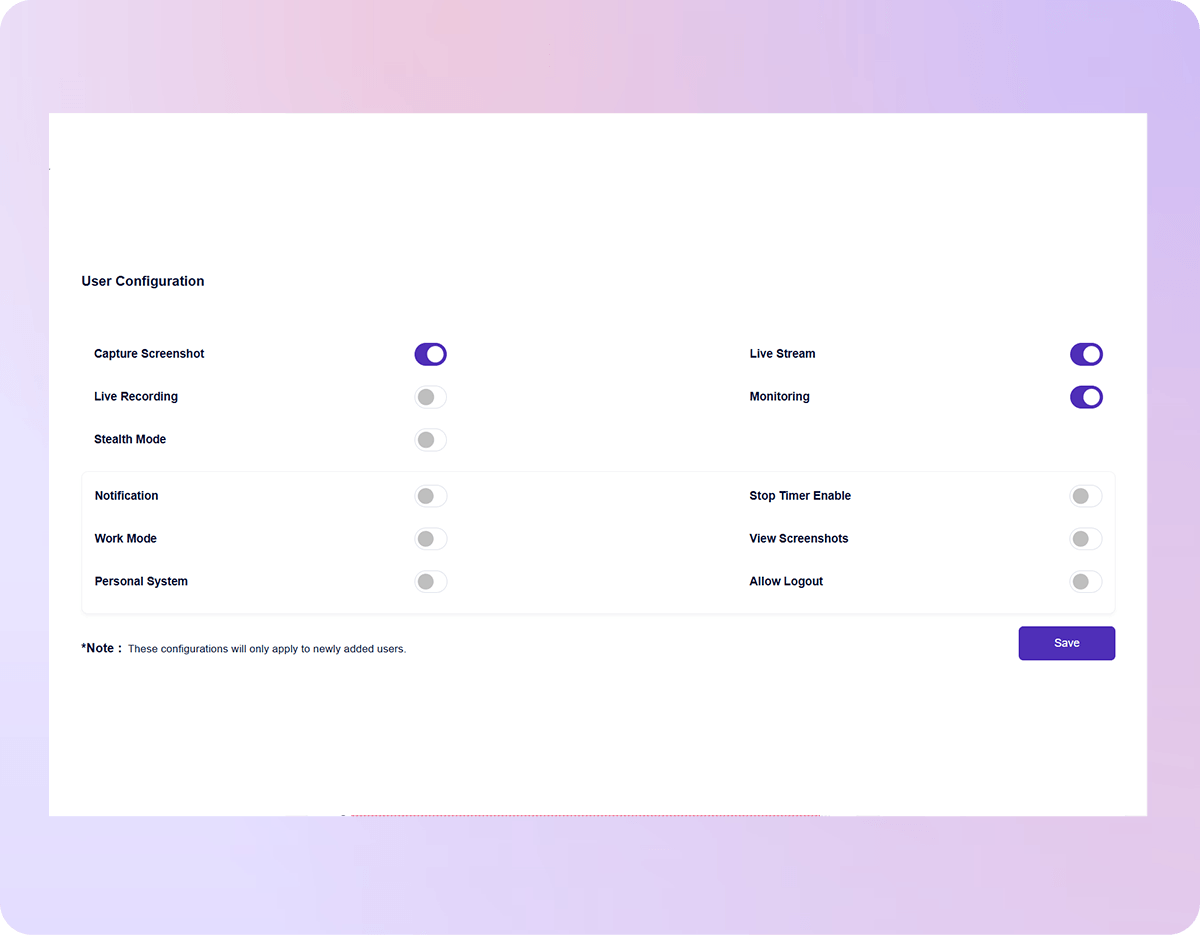
| Stealth Mode / Silent Tracker | ✓ | ✓ |
| Live Screen Streaming | ✓ | Limited |
| Keyboard & Mouse Activity Tracking | ✓ | Limited |
| Multi-Device Tracking | ✓ | × |
| Device Sharing Support | ✓ | × |
| Start For Free No credit card required |
| Feature |
|
|
|---|---|---|
| App & Web Productivity Classification | ✓ | ✓ |
| Productivity Reports | ✓ | ✓ |
| Auto-Filled Timesheets | ✓ | ✓ |
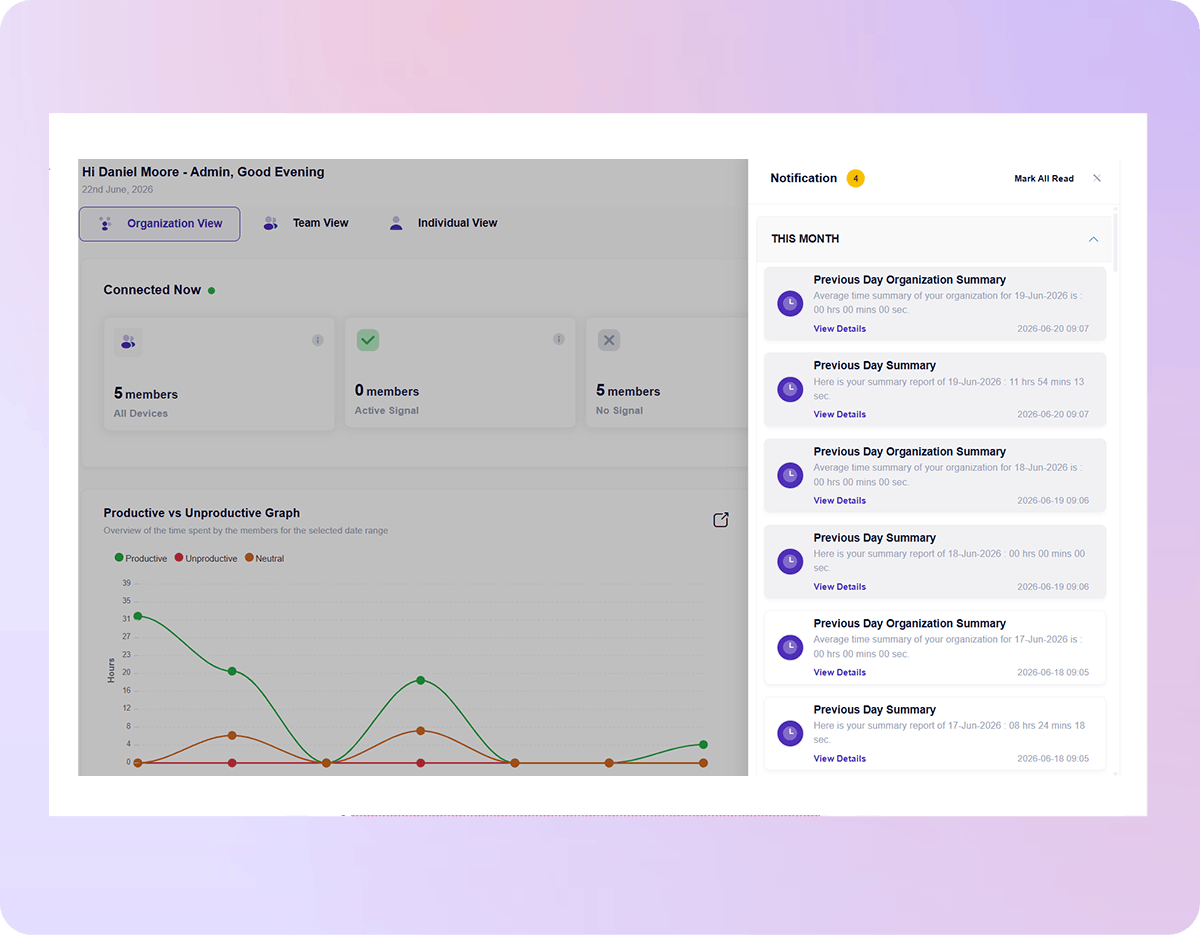
| Real-Time Alerts & Notifications | ✓ | ✓ |
| Weekly Trends & Summary | ✓ | ✓ |
| Project & Task Management | ✓ | ✓ |
| AI-Powered Reports / Alerts | ✓ | Limited |
| Schedule & Share Reports | ✓ | Limited |
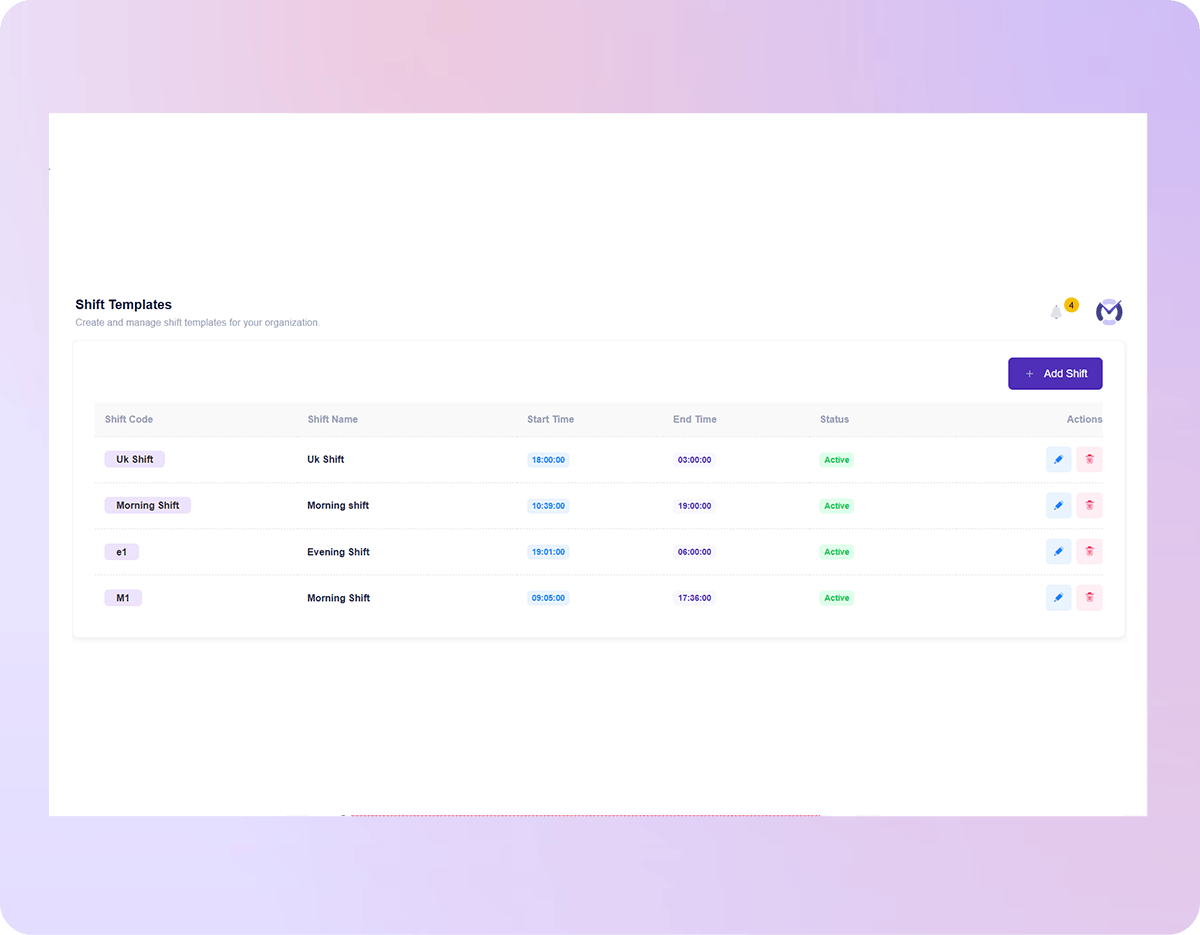
| Smart Shift Monitoring | ✓ | Limited |
| Stop Timer with Scheduled Breaks | ✓ | ✓ |
| Keyboard & Mouse Activity Tracking | ✓ | ✓ |
| Start For Free No credit card required |
| Feature |
|
|
|---|---|---|
| Attendance Insights | ✓ | ✓ |
| Time Claims & Approval Workflow | ✓ | ✓ |
| Holiday Configuration | ✓ | ✓ |
| Leave Management | ✓ | ✓ |
| Work Mode (Remote, Hybrid & Office) | ✓ | Limited |
| Start For Free No credit card required |
| Feature |
|
|
|---|---|---|
| Secure Role-Based Access Control | ✓ | ✓ |
| Single Sign-On (SSO) | ✓ | Limited |
| Guided Setup & Onboarding | ✓ | Limited |
| User Roles (Admin, Report Admin, CXO & User) | ✓ | Limited |
| API & Integration Access | ✓ | ✓ |
| Private Cloud Configuration | ✓ | Limited |
| Data Retention up to 3 Months | ✓ | Limited |
| Dedicated Customer Success Manager | ✓ | Limited |
| GPO Deployment Support | ✓ | × |
| Start For Free No credit card required |
| Feature |
|
|
|---|---|---|
| Platform | Windows, macOS, Linux, Android, iOS | Windows, macOS, Linux, Android, iOS, Chrome Extension |
| Start For Free No credit card required |


 YOU SAVE EVERY YEAR
$23,760
by choosing Mera Work over WebWork
 24.81%
cheaper than
24.81%
cheaper than
Best value
$72,000
2,000 × $3 approx × 12
All features included. No add-ons.
$95,760
2,000 × $3.99 approx × 12
Higher-tier plan required for some features.



Based on 2000+ reviews on




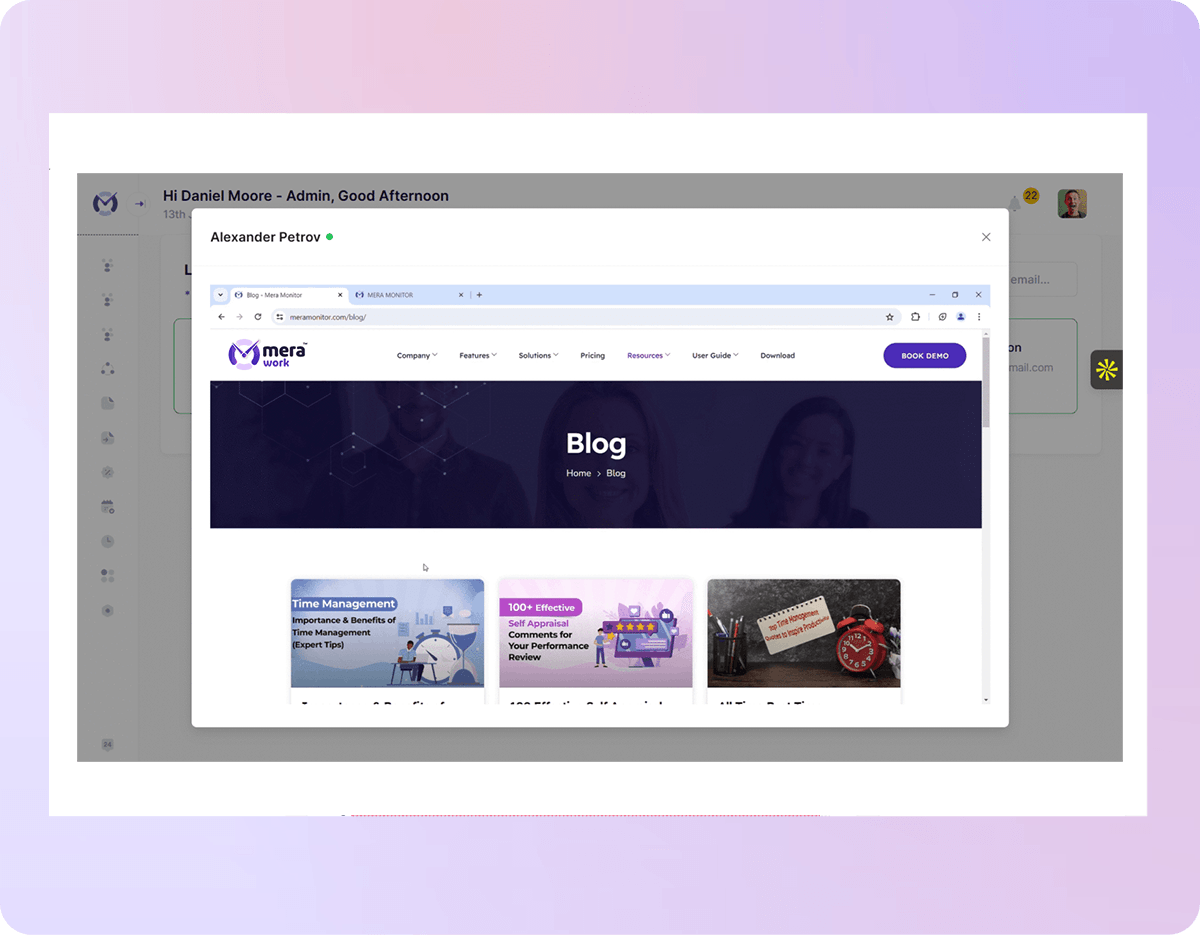
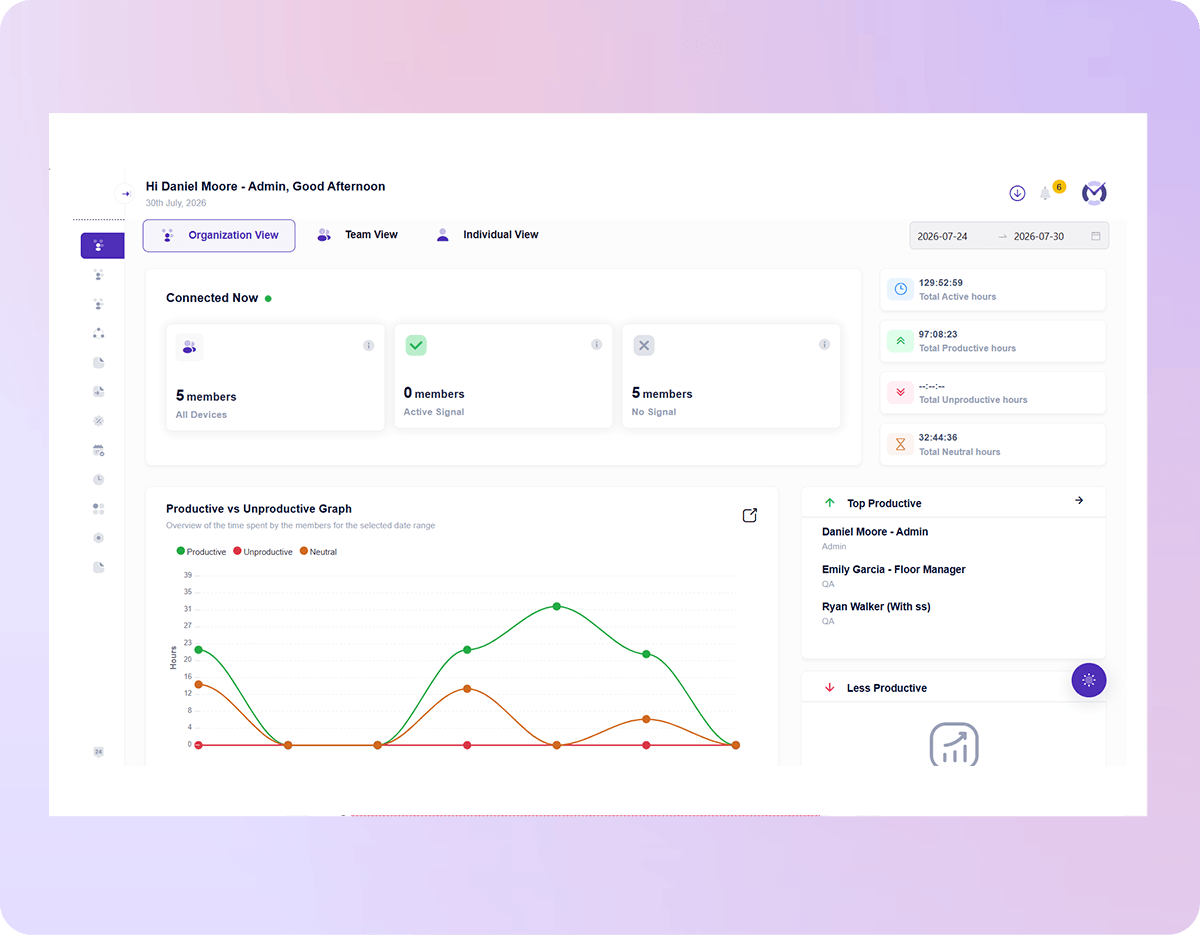
Mera Work is an exceptional tool for performance monitoring, offering invaluable support for organizational decision-making. Its real-time monitoring and live-streaming capabilities provide complete visibility into team activities, ensuring transparency and accountability.

Prakash Makwana
Product Design Lead at PiplHR

The best employee monitoring tool out there! Mera Work has features like live streaming and screen capturing that make it unique!

Abhishek Sharma
Startup Founder